This guide will take you through the process of requesting recoupment of a payment on account (POA) before the case has concluded.
This process will only work in family cases. For non-family cases a bill cannot be submitted until the Solicitor Final Bill is submitted on CCMS and counsel receives the Counsel Submit Bill Task.
You can request that a POA be recouped where duplicate POAs have been submitted in error; a POA has been submitted against an incorrect case or an incorrect POA amount has been requested.
If the POA has been paid as an incorrect amount, the full POA must be recouped so the POA with the correct amount can be submitted.
Search for the relevant case under Cases and Applications.
Scroll to the Available Actions and select Billing.

From the Case Statement of Account click Create Bill.

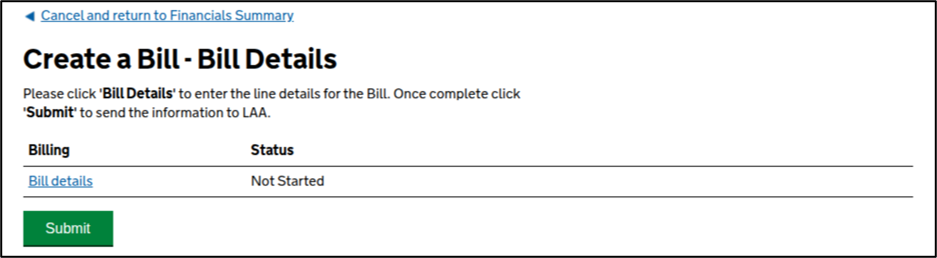
Click Bill Details.
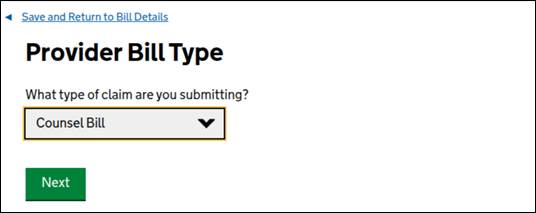
Select the type of bill from the drop-down menu. Click Next.
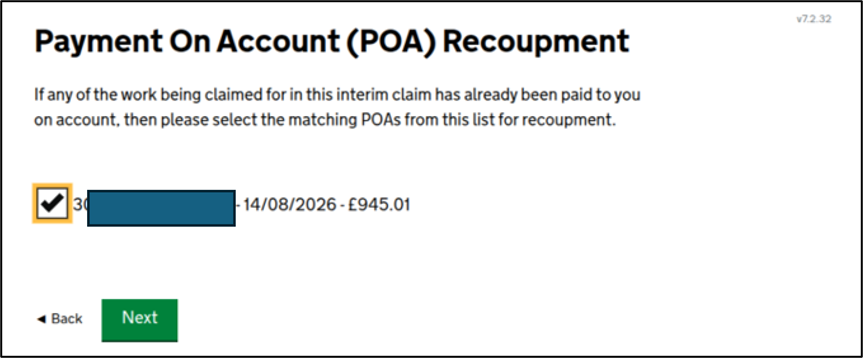
You will then see a list of the POAs that have been submitted against this case.
For High Cost Cases you may be asked if this is a pre-contract bill. Answer NO to the pre-contract question.
Tick the box to request that this POA be recouped. Click Next.
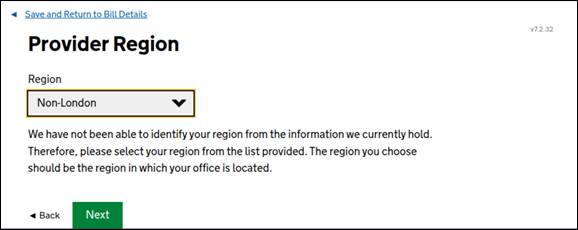
Select the Region from the drop-down menu. Click Next.
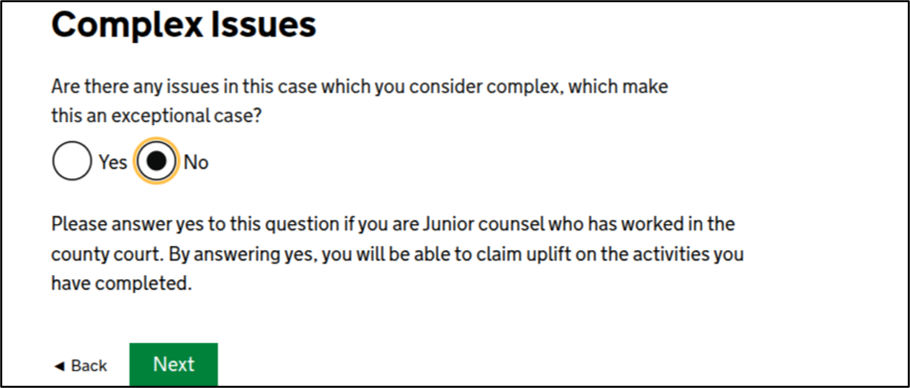
Select No to the question of whether there were any complex issues. Click Next.
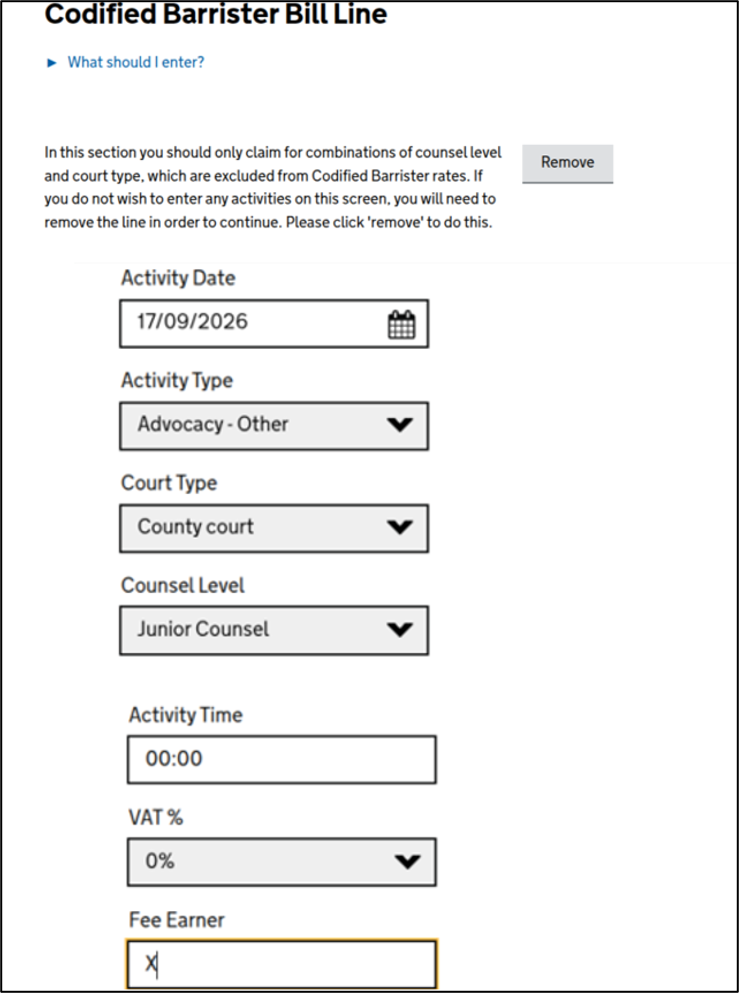
Answer all relevant questions. Select an activity and enter time as 00:00. Click Next.
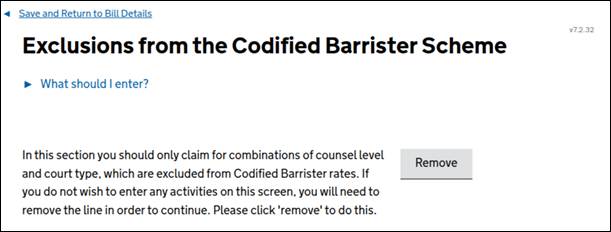
Click Remove to remove this part of the bill. Click Next.
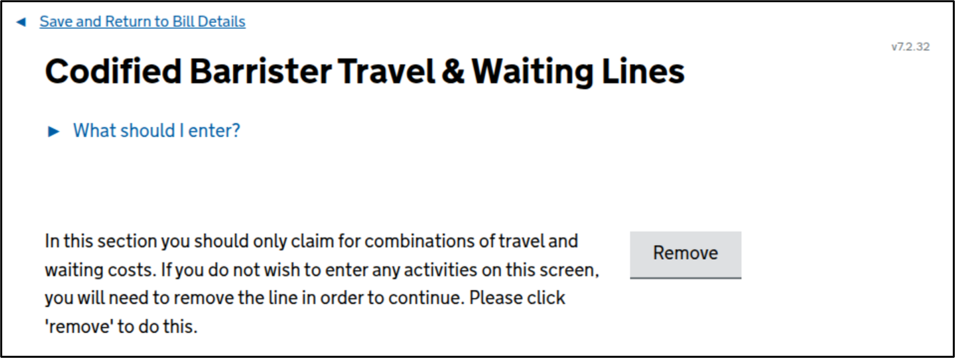
Click Remove to remove this part of the bill. Click Next.
The status in the Bill Details section will change to Complete.
Click Submit.
Once submission confirmed click Next to be return to the Financials section.