Open a case (Back to top)
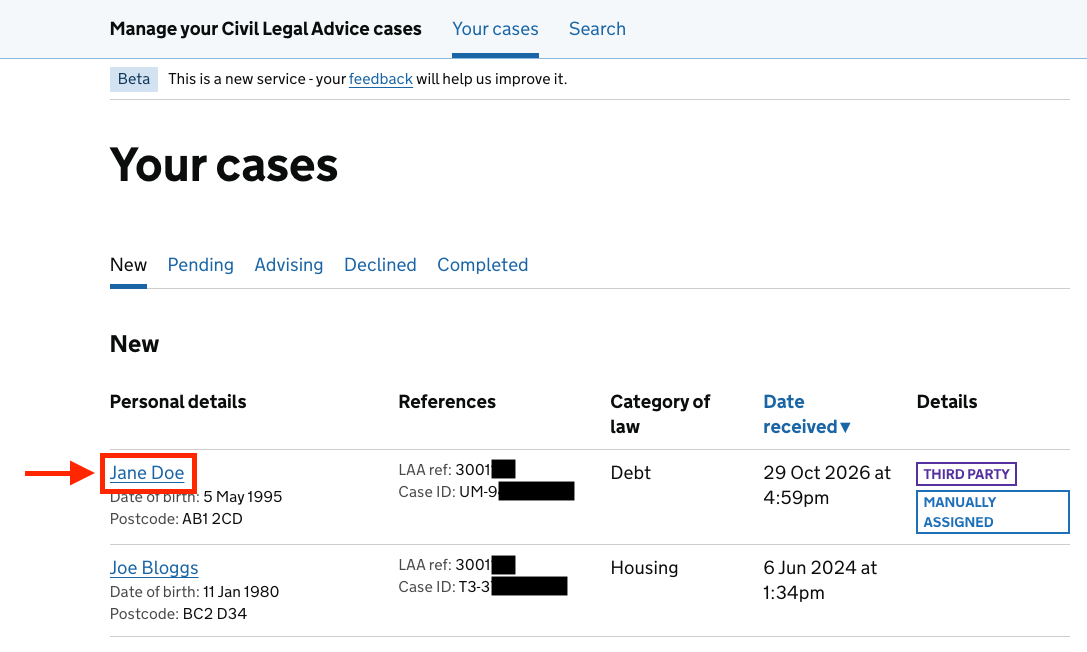
Select the client name to review the case in detail.
If someone else is viewing the case
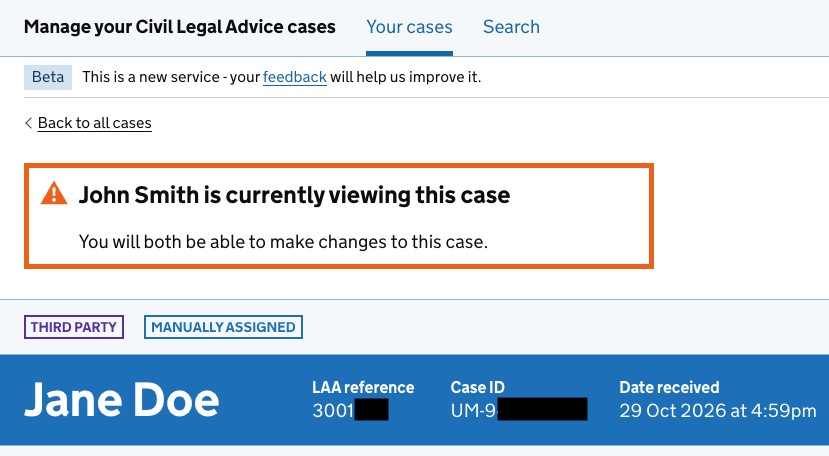
If someone else at your organisation is viewing this case, a notification banner will appear. You can all continue making changes at the same time.
Case summary
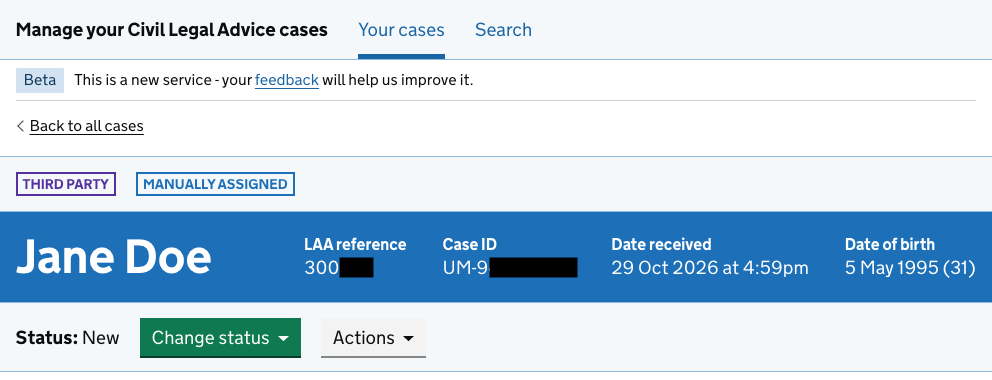
The case summary section shows key information about the client and case, including the client’s name, reference numbers and date of birth.
Client details (Back to top)

Contact details
View and update the client’s personal details, contact information, third-party details and support needs. Select Change to update any information.
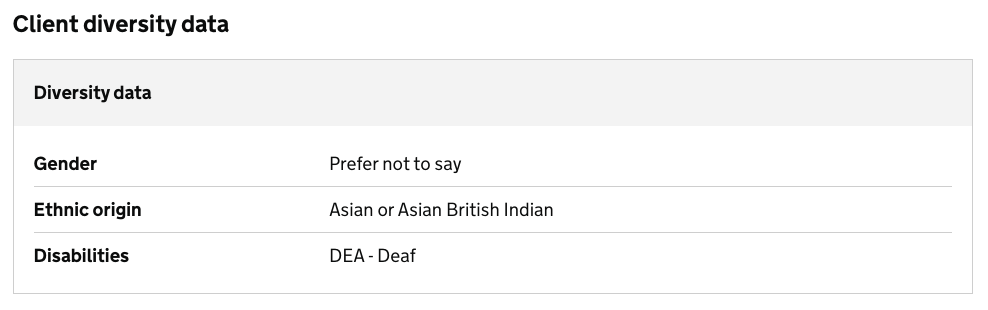
Client diversity data
You can view the client’s diversity information if it has been recorded by the operator. This information is used for reporting purposes.
Case details (Back to top)
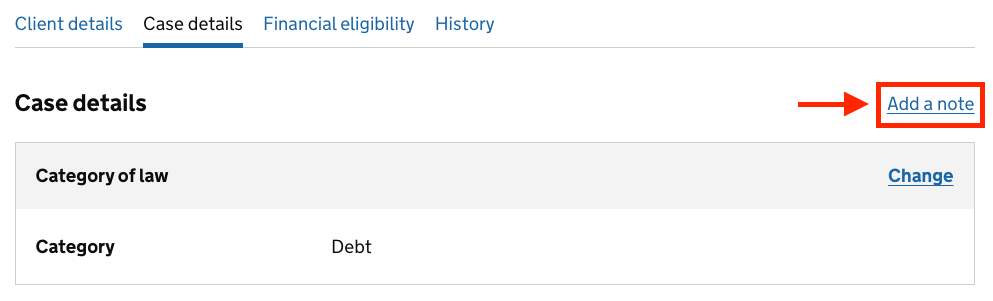
The Case details tab shows information about the client’s legal problem, the category of law and notes added to the case.

Category of law
The category of law is selected by the operator.

If the category of law needs changing and your organisation covers the correct category:
- Select Change to update the category of law.
- Your organisation will keep the case.
If your organisation does not cover the correct category of law:
- Change the case status to Declined.
- Select the appropriate reason when asked.
Notes from provider
Use the Add a note box to add notes to the case.

Or select Add a note to go directly to this section on the page.
Financial eligibility (Back to top)
The Financial eligibility tab shows the client’s financial eligibility assessment and outcome.

A banner shows whether the client is financially eligible for civil legal aid.


Where a full financial eligibility assessment is not needed, a notification will explain this.
Update financial eligibility data
Select Change in the relevant section to update the information.
Continue through the remaining questions and submit your changes. You’ll then return to the case, where the financial eligibility result will be updated.
History (Back to top)
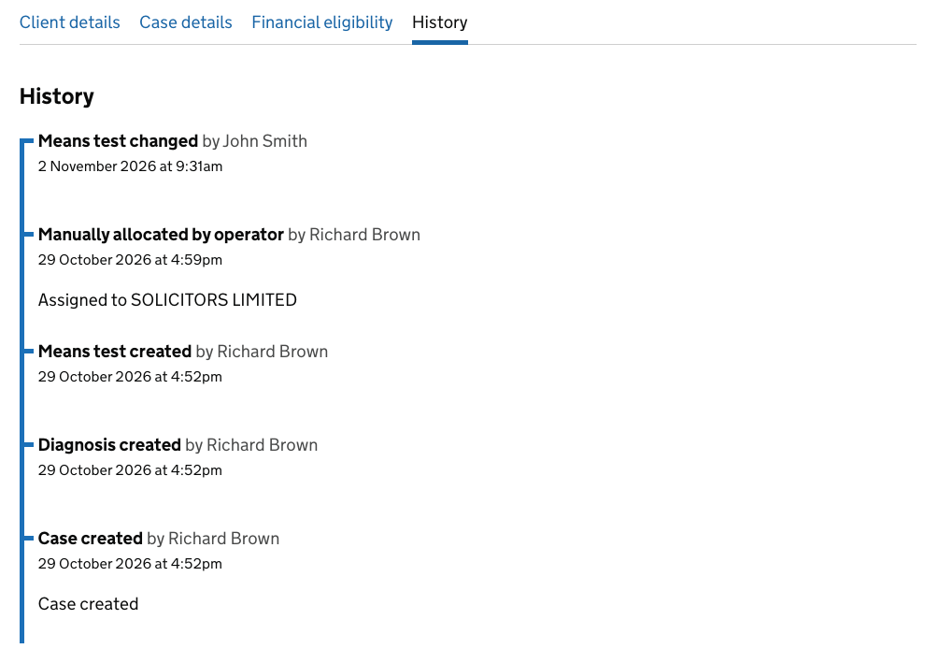
The History tab shows actions and updates recorded on the case.