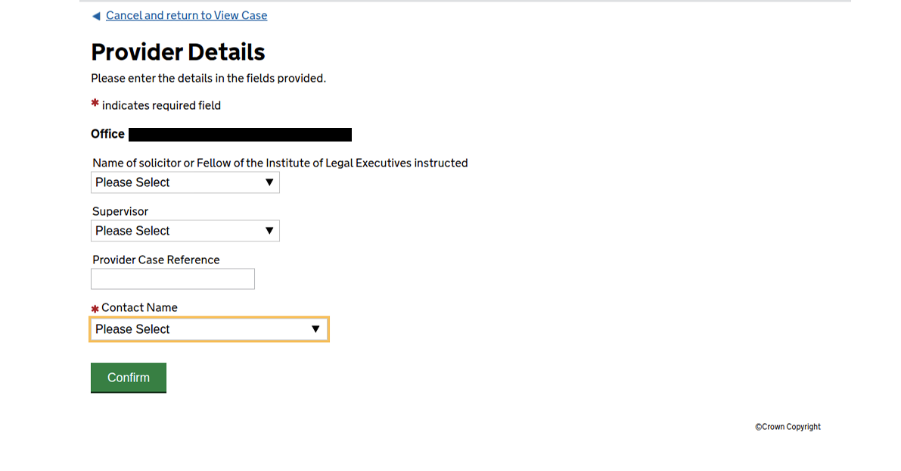
To re-assign historic and in-flight casework to your new SILAS account, you will be required to Amend Provider Details.
1. This can be done by searching for old cases/notifications as usual.
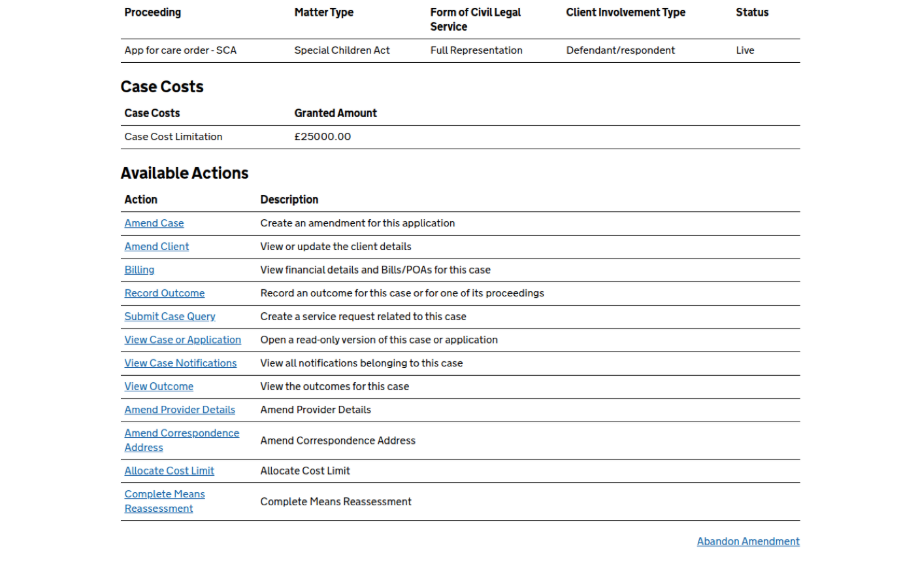
2. Select Amend Provider Details.
3. Select the Contact Name field. You will be presented with a dropdown of user names. Please be aware that you will be presented with your old usernames and new SILAS usernames, please select your SILAS username from the dropdown.
Your SILAS account will be presented in the following format: JOHN-DOE-JOHN-DOE-SOL.